Phishing and Business Email Compromise: What Small Businesses Need to Know
Phishing and Business Email Compromise: What Small Businesses Need to Know
A suspicious message rarely arrives looking suspicious anymore. It may look like a routine account alert, a familiar request, or an ordinary text, until the damage is done. Phishing is still one of the most common entry points for fraud, account takeover, and data theft, and reliable network security services can reduce the exposure — but technology alone cannot replace careful verification. The most effective response is simple: slow down, verify using a trusted channel, and when in doubt, do not click.
Phishing does not always look like phishing.
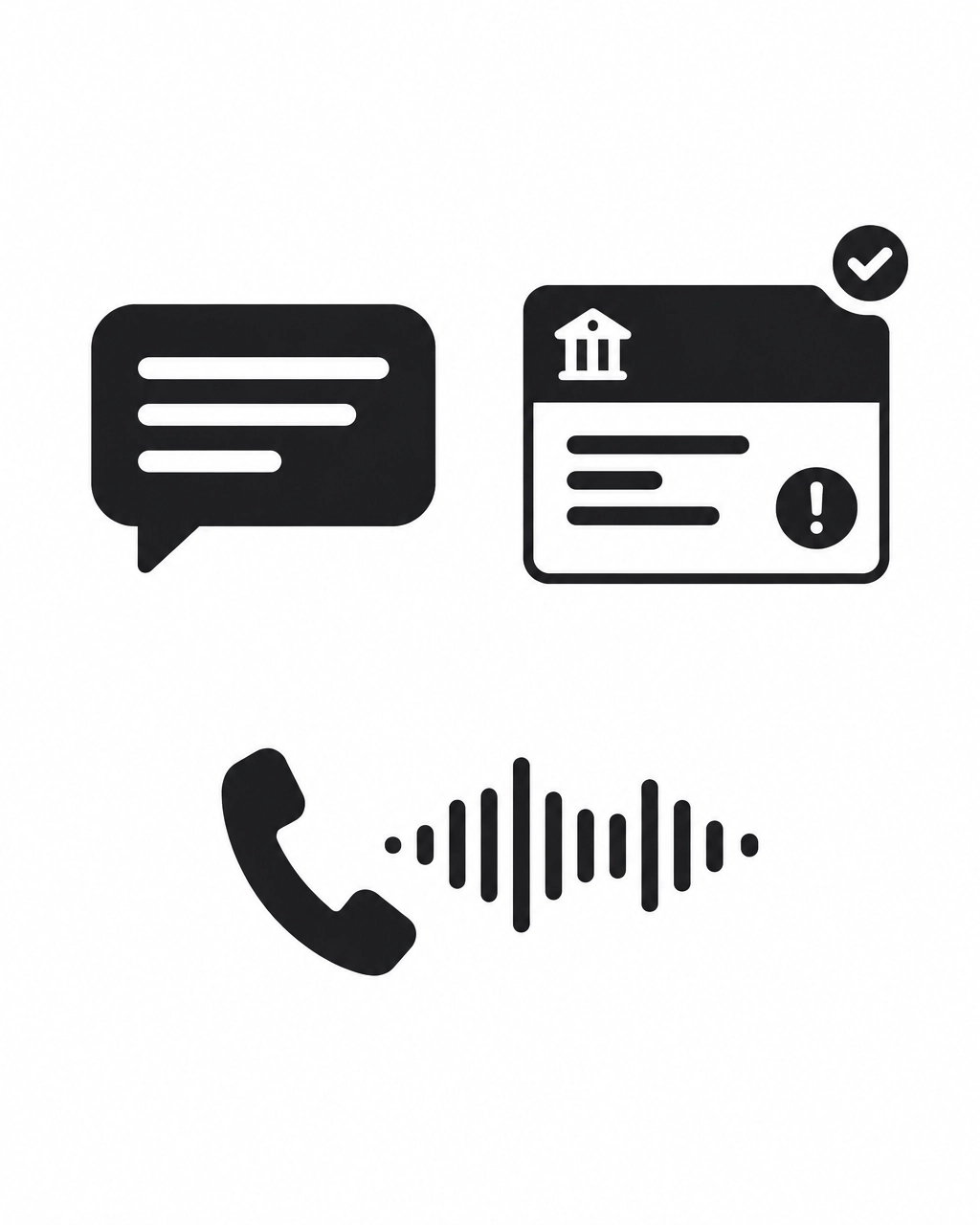
It may appear as:
- A text message about an unexpected delivery.
- A bank alert asking for account verification.
- An email requesting an urgent payment.
- A shared document from a familiar contact.
- An AI-generated voice call from someone who sounds like a family member.
- A message that appears to come from a manager, supplier, or customer.
Scams can affect anyone. Small businesses face additional risk because one compromised mailbox can expose customer information, invoices, payment instructions, and internal conversations.
Canada’s Fraud Problem Is Growing
The Canadian Anti-Fraud Centre reported more than $704 million in reported fraud losses during 2025. More than 112,000 fraud reports were received.
The reported total is likely an undercount. Government sources estimate that only 5% to 10% of fraud incidents are reported.
A 2026 TransUnion study found that Canadians who reported losing money to digital fraud experienced a median loss of approximately $1,301. The figure includes digital fraud such as phishing, identity theft, and account takeover.
Artificial intelligence is also making scam messages more convincing. Industry research indicates that approximately 85% of phishing attacks now include AI-generated or AI-assisted content. These messages may have better grammar, more personal details, and fewer obvious warning signs.
AI services are also being used as lures. Kaspersky reported that attacks against small-business users disguised as popular AI tools increased by almost five times during the first four months of 2026 compared with the same period in 2025.
The result is a more difficult environment for employees and business owners. Spelling errors and poor formatting are no longer reliable indicators of fraud.
What Is Business Email Compromise?
Business email compromise, or BEC, occurs when criminals use email to impersonate a trusted person or take control of a legitimate account.
Common examples include:
- A fake executive asking for an urgent wire transfer.
- A fraudulent supplier requesting a change to banking information.
- An attacker using a compromised mailbox to continue an existing email conversation.
- A fake customer requesting a refund or payment redirection.
- A criminal monitoring an employee’s mailbox before sending a carefully timed request.
BEC is particularly damaging because the message may come from a real account. It may use a genuine email signature, familiar language, and details taken from previous correspondence.
For small businesses, BEC is among the most costly types of cyber incident. Industry benchmarks commonly place fraudulent wire-transfer requests in the tens of thousands of dollars, with approximately $61,000 often cited as an average incident value for small businesses. The actual amount varies significantly by industry, business size, and the payment process involved.
Unlike some unauthorized card transactions, wire transfers and business payment changes may be difficult to reverse. A single convincing email can create a significant financial loss.
Warning Signs of Phishing and BEC
A message should receive additional scrutiny when it includes one or more of the following indicators:
- An urgent request to click, pay, or share a security code.
- A slightly incorrect email address or domain name.
- A link that does not match the organization it claims to represent.
- A request for passwords, banking details, identity documents, or account numbers.
- Unexpected changes to payment instructions.
- A request to bypass normal approval procedures.
- A message that discourages independent verification.
- A request for secrecy.
- An unusual communication style from a familiar contact.
- A login request after clicking a shared file or document.
- A demand to act immediately to avoid account closure or financial loss.
A legitimate-looking message can still be malicious. A familiar sender address can be spoofed or compromised. A valid website can be used to host a malicious redirect.
The Canadian Centre for Cyber Security warns that adversary-in-the-middle attacks can capture usernames, passwords, MFA responses, and session tokens. This allows attackers to access a cloud account even when traditional multi-factor authentication has been completed.
Verify Before Taking Action
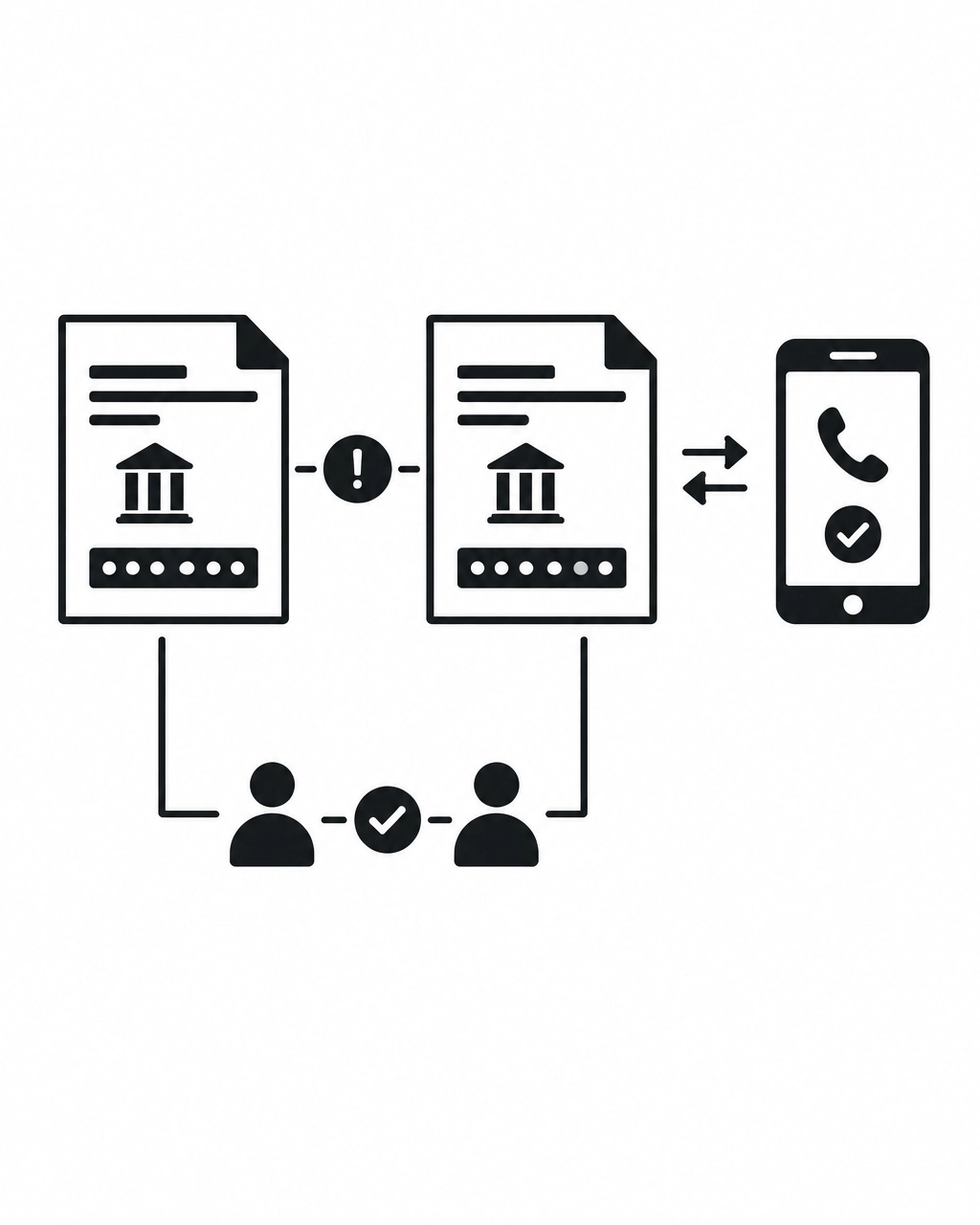
Verification should happen through a separate, trusted channel.
Do not use the phone number, email address, or link included in the suspicious message. Instead:
- Contact the person using a known phone number.
- Start a new email conversation using a previously verified address.
- Sign in through a saved bookmark or by manually entering the official website address.
- Confirm payment changes with the supplier using established contact information.
- Require a second authorized person to approve significant payments.
- Ask for clarification when a request is unusual, even if it appears to come from a senior employee.
A short delay is preferable to an irreversible payment. Normal business procedures should make verification routine rather than exceptional.
The core rule is simple:
Slow down. Verify using a trusted channel. When in doubt, do not click.
Practical Security Controls for Small Businesses
Awareness is important, but it should be supported by appropriate infrastructure. Useful network security services and business IT controls include the following.
Business Email Security and Filtering
Email filtering can identify suspicious senders, malicious links, harmful attachments, spoofed domains, and unusual messages.
Filtering should be configured and monitored rather than treated as a one-time installation. Attackers continually change domains, wording, attachments, and delivery methods.
Email authentication controls such as SPF, DKIM, and DMARC can also reduce domain spoofing and improve message validation.
Phishing-Resistant MFA
Multi-factor authentication remains essential, but not all MFA methods provide the same level of protection.
Adversary-in-the-middle attacks can steal session tokens after a user completes a password and code-based MFA challenge. Phishing-resistant options such as security keys, passkeys, and FIDO2-based authentication provide stronger protection.
High-risk accounts should receive priority:
- Administrators.
- Executives.
- Finance staff.
- Employees with access to customer information.
- Users who can change payment or banking details.
Payment Approval Controls
Technology should be combined with clear financial procedures.
Recommended controls include:
- Dual approval for payment changes.
- Independent callbacks for new banking instructions.
- Separation between payment preparation and payment approval.
- Written confirmation for high-value transfers.
- Regular review of supplier records.
- Restricted access to financial systems.
These controls reduce the chance that one compromised account can authorize a fraudulent transaction.
Monitoring and Account Review
Security monitoring can identify suspicious sign-ins, unusual locations, new mailbox rules, forwarding changes, and abnormal access patterns.
A compromised account may not immediately generate an obvious alert. An attacker may silently read messages, monitor invoices, and wait for an opportunity.
Monitoring should include email activity, identity systems, remote access, firewalls, servers, and other critical infrastructure.
Secure Remote Access
Remote access should require appropriate authentication, device controls, access restrictions, and monitoring.
Legacy access methods and exposed services can create opportunities for attackers. VPNs, secure gateways, conditional access, and controlled administrative access should be selected according to the organization’s actual requirements.
Tested Backups and Recovery
Backups do not prevent phishing, but they reduce the impact of account compromise, ransomware, and destructive activity.
Backups should be:
- Automated.
- Protected from unauthorized deletion.
- Stored separately from production systems.
- Monitored for failures.
- Tested through actual recovery exercises.
A backup that has never been restored should not be treated as fully verified.
Small Business IT Support Should Include Security
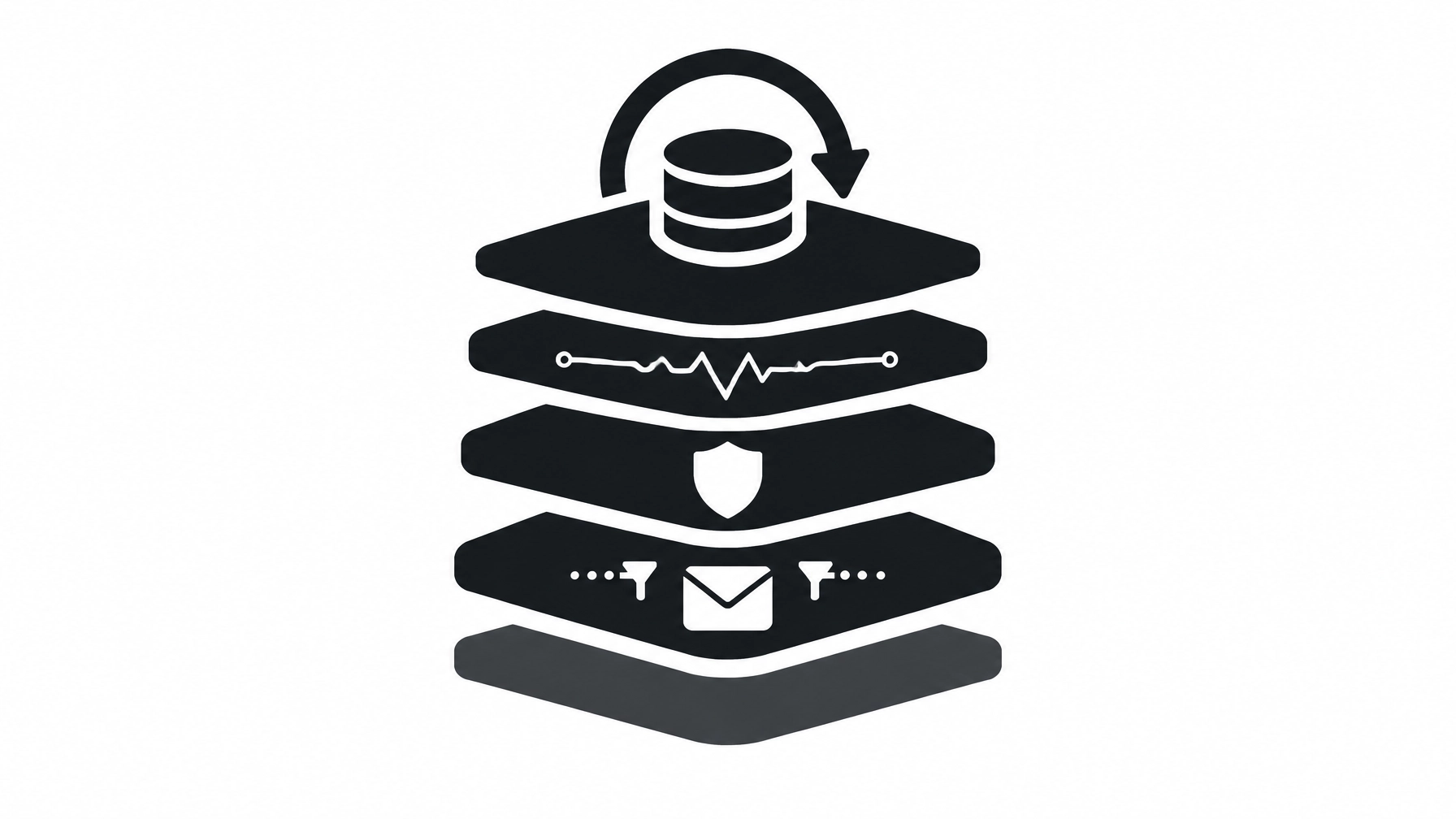
Small business IT support is not limited to repairing computers or resetting passwords. Security affects email, Internet connectivity, user accounts, servers, remote access, cloud services, backups, and business applications.
A security-conscious environment should include:
- System hardening.
- Secure configuration.
- Network segmentation where appropriate.
- Endpoint protection.
- Email and spam filtering.
- Security monitoring.
- Secure remote access.
- Backup and recovery planning.
- Staff awareness training.
- Documented incident response procedures.
The correct approach depends on the business. A small office, medical clinic, manufacturer, professional practice, and retail operation may have very different risks and operational requirements.
VCCNet helps Northern Ontario organizations strengthen email security, monitoring, secure access, backups, and practical security processes. Security is treated as an infrastructure requirement rather than an add-on.
What would make you stop and check a message before acting on it?